 sequence
 Microsoft 365 / Outlook
Microsoft 365 warmup.
A considered start.
Prepare your Microsoft 365 or Outlook mailbox with Sequence-r’s connection and warmup workflow. Review the account, permissions and warmup settings before starting your next outreach campaign.
Free email warmup · Your connected mailbox · Provider rules still apply
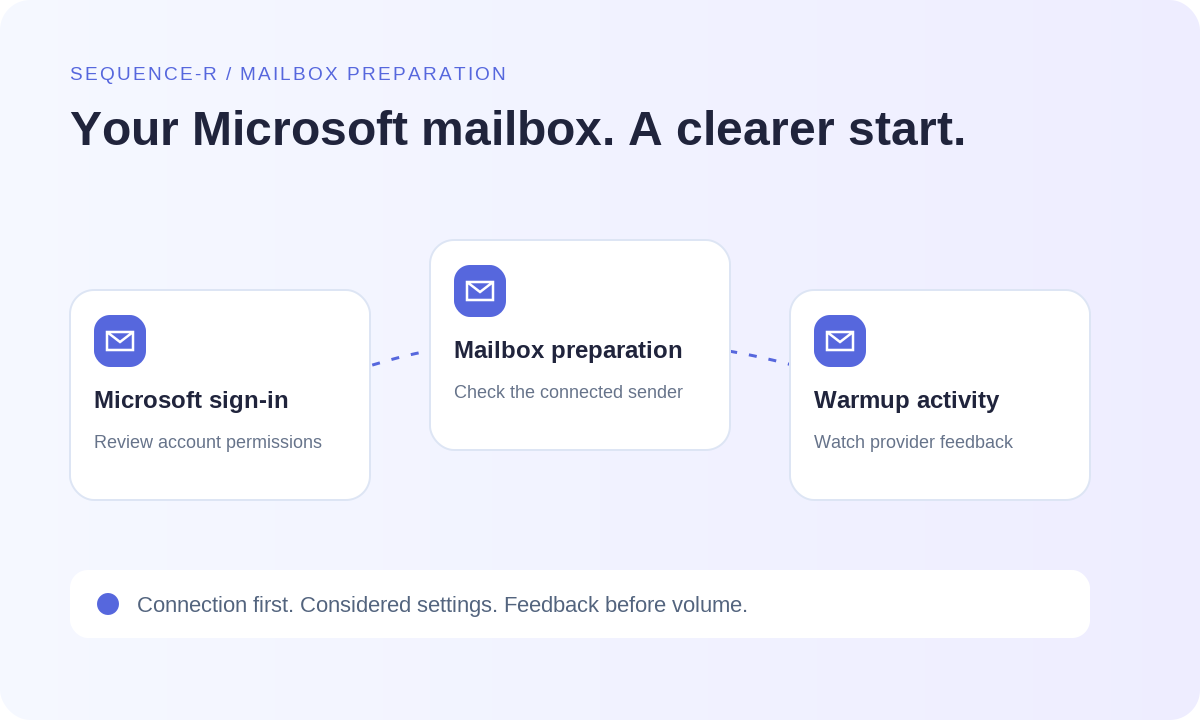
Microsoft 365 warmup belongs alongside account checks and careful sending—not a promise that every email reaches the inbox. Sequence-r provides a Microsoft 365 / Outlook connection option and mailbox warmup controls in one workspace.
Connect your Microsoft 365 or Outlook mailbox
Open Mailboxes, select Add Mailbox and choose Microsoft 365 / Outlook. Follow the Microsoft sign-in and permission prompts for the account you intend to use. Your organisation’s configuration may require an administrator’s approval.
Check that the correct address appears in the connected mailbox table. If the account cannot connect or permissions are refused, resolve that with your administrator before enabling warmup. Follow the sending-account connection guide for the current provider menu.
Review Microsoft 365 warmup settings
- Check the sender. Confirm the connected address and intended sender identity.
- Open the mailbox’s warmup controls. Review the configuration for that account rather than assuming every mailbox should use the same settings.
- Check provider feedback. Review connection status and delivery issues before increasing activity.
- Keep campaign sending deliberate. Review the schedule, contacts and message content separately before launching outreach.
Warmup is available through the Sequence-r free warmup tool. Your plan still determines mailbox and account allowances.
Microsoft’s outbound protections still apply
Microsoft monitors outbound sending and can restrict accounts when sending patterns or spam signals trigger its protections. Warmup does not bypass these controls. If an account is restricted or messages are rejected, work with the administrator to investigate instead of increasing volume.
Microsoft’s outbound spam protection guidance explains its approach and cautions about bulk sending through Microsoft 365. Its SMTP submission throttling documentation is also relevant if your organisation uses that sending method. Treat documented limits as constraints, not recommended outreach targets.
Prepare the domain and the audience too
For a business domain, review SPF, DKIM and DMARC with your Microsoft 365 administrator. Check that your contact data is accurate, your message is relevant and opt-outs are honoured. A connected account and warmup activity do not guarantee deliverability.
Read the email warmup best-practices guide, then use the campaign setup walkthrough. If you need help preparing the sequence, Ana AI copilot can propose changes for you to review.
Microsoft and Outlook warmup questions
Is Microsoft warmup the same as Gmail warmup?
Both concern preparing a sending mailbox, but the sign-in flow, account controls and provider feedback differ. See Gmail warmup for Google-specific guidance.
Does Outlook warmup apply to every Outlook account?
Outlook can refer to a mail application or an account service. Use the Microsoft 365 / Outlook connection option for a supported account; an Outlook application connected to another host may need that host’s connection method instead.
What if my organisation blocks the connection?
Ask the administrator to review the account and application permissions. Do not disable security controls simply to complete a connection.
Can warmup unblock a restricted Microsoft mailbox?
No. A restriction needs investigation and resolution through the provider or administrator. Warmup is not an account-unblocking service.
Can I connect through custom SMTP instead?
Use the supported route appropriate to your account and organisation. If you are evaluating a custom mailbox connection, read SMTP warmup and IMAP/SMTP requirements first.
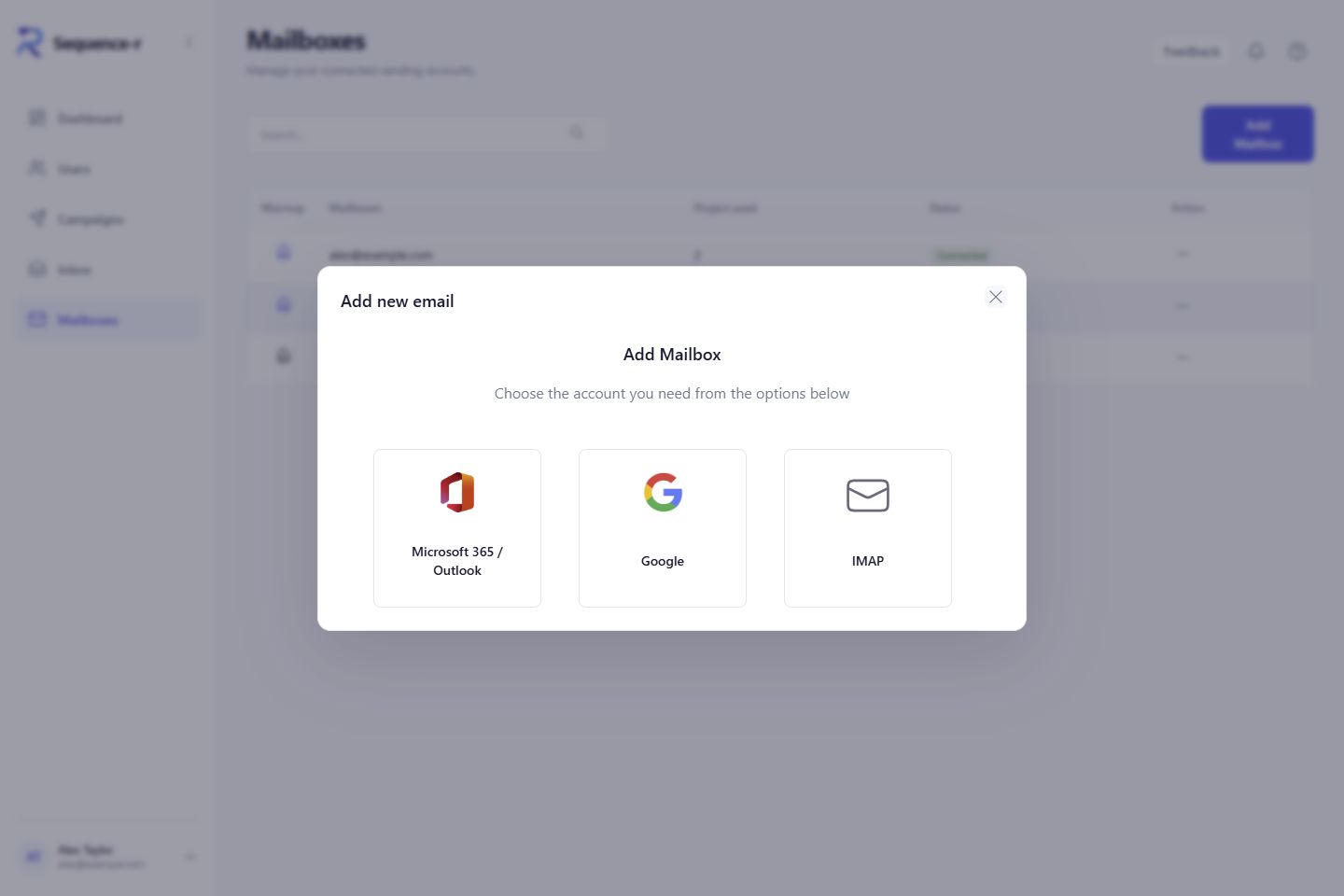
Review the mailbox before your next campaign
Open the account’s warmup controls in Mailboxes and check the configuration. Use mailbox health and activity as diagnostic context, alongside provider feedback.
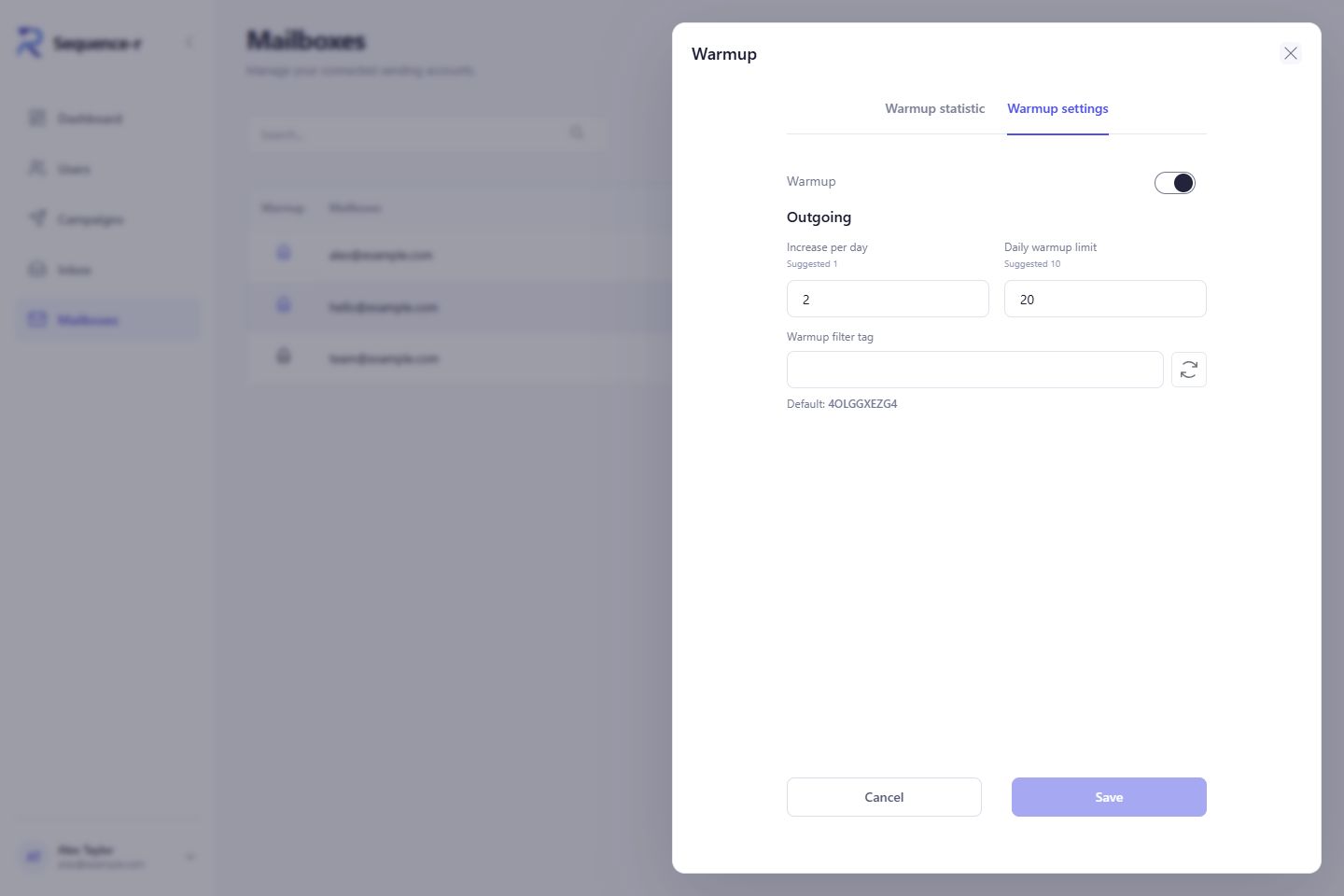
Prepare your inbox. Start thoughtfully.
Connect your account and review warmup before outreach.